Xero data export: every option, one table (2026)
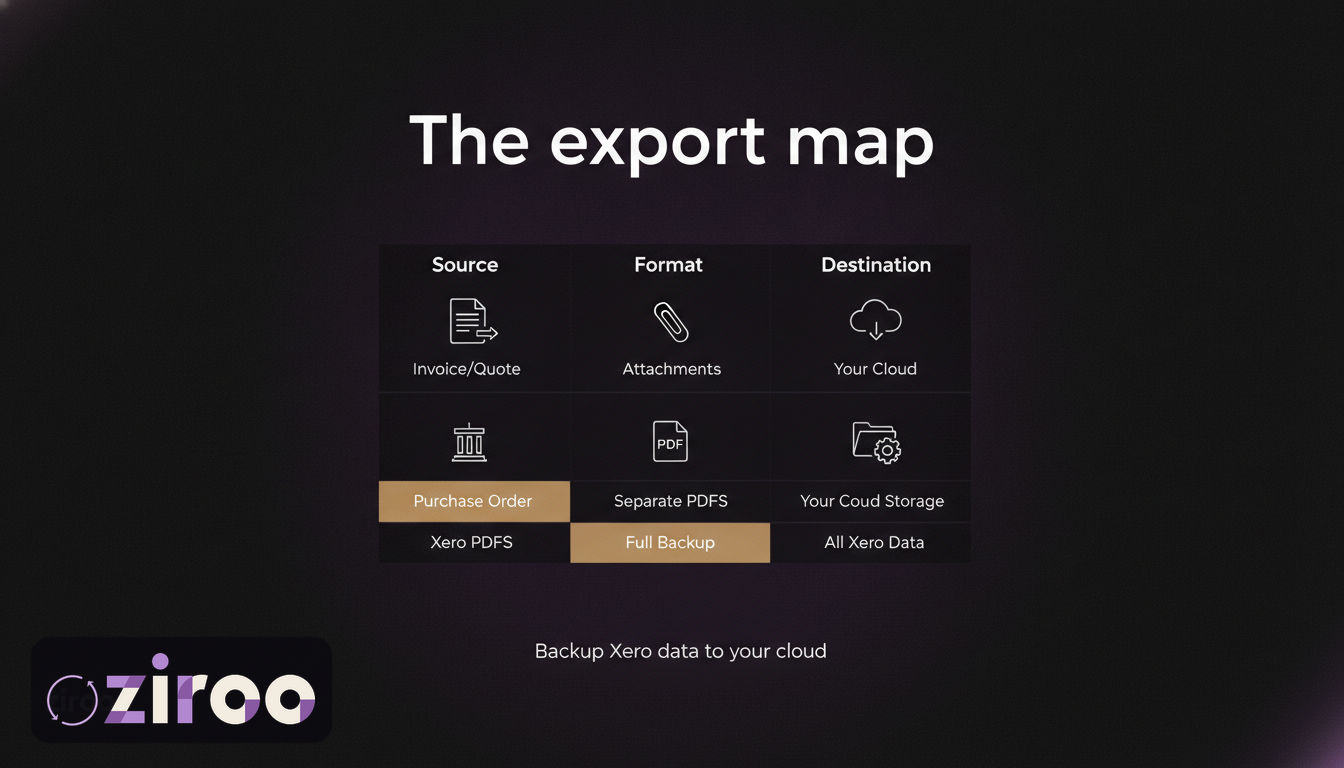
People searching "Xero data export" are usually looking for one button, the one that hands over everything. That button doesn't exist. What exists is a scattering of export options across different screens, each with its own format and its own ceiling, plus a few genuine gaps that surprise people at the worst possible times.
This page is the map: every export Xero offers, what it produces, and what falls through. Bookmark it for the day you need your data out in a hurry.
The whole menu in one table
| What | Where | Format | Includes documents? |
|---|---|---|---|
| Sales invoices (data) | Sales screens, filtered by date | CSV / spreadsheet | No |
| Sales invoices (documents) | Per invoice, or batch print | PDF (batch merges into one file) | Yes, with catches |
| Bills and purchases (data) | Purchases screens | CSV / spreadsheet | No |
| Quotes and purchase orders | Per document | PDF, one at a time | Yes, individually |
| Contacts | Contacts screen export | CSV | n/a |
| Chart of accounts | Accounting settings | CSV | n/a |
| Financial reports (P&L, balance sheet, GL, trial balance and more) | Each report's export menu | PDF, Excel, Google Sheets | n/a |
| Bank transactions | Account transactions report | Report export formats | No |
| Attachments and receipts | No bulk export | Individually only | The biggest gap |
| Entire organisation | Does not exist | n/a | n/a |
| Everything, programmatically | Xero API | JSON; PDFs per invoice | Yes, one call each |
Details and traps below, grouped the way you'll actually use them.
The data exports: rows without documents
The sales and purchases screens export transaction data (numbers, dates, contacts, amounts, statuses) as CSV or spreadsheet files, filtered by date and status. Contacts and the chart of accounts export as CSV too. Together these capture the shape of your books, and they're the raw material a bookkeeper reconstructs from.
What none of them contain is a single document. No invoice as your customer saw it, no branding, no line-item layout. Data exports answer "what happened"; they cannot answer "show me." For the documents themselves you're in invoice PDF territory, which has exactly two native routes: one PDF at a time, or a batch print that merges every selected invoice into one combined file. Separate PDFs in bulk require the API or a third-party service.
The report exports: your statements, frozen in time
Every major report (profit and loss, balance sheet, general ledger, trial balance, aged receivables and payables, and the rest) exports to PDF, Excel, or Google Sheets from its own screen. This is the strongest export surface Xero has, and the most underused.
The point of exporting reports is permanence, not convenience. A general ledger PDF for FY2025 is a statement that never changes, no matter what happens to the subscription later. Regenerating that same report requires an active subscription and the platform's cooperation, and after cancellation you have neither. One export run per financial year, filed in your own storage, is cheap insurance.
The gaps: what you can't export in bulk
Three absences do the most damage in practice:
Attachments. The receipts, supplier bills, and supporting documents you've diligently attached inside Xero have no bulk export. Getting them out means opening records one by one, which at year-scale is a project nobody finishes. If your audit trail lives in attachments, this is the gap to plan around, and the strongest argument for keeping source documents in your own storage from day one.
Document history in separate files. Covered above, but worth restating as a gap: "all my invoices as individual PDFs" is not a thing any Xero screen produces.
The organisation itself. There is no "download my org" or full takeout option. Your Xero organisation, as a whole, is exportable only as the sum of the parts above, assembled by you.
Which exports you need, by situation
The table gets shorter once you know why you're exporting:
"Send everything to the new accountant." Reports for each financial year (P&L, balance sheet, general ledger, trial balance) plus the sales and purchases CSVs. Accountants rebuild from data and statements; they'll ask for specific documents by name later.
"The bank / insurer / lawyer wants the invoices." Document PDFs, and they'll want individual files, not the merged batch print. This request is the one Xero's screens handle worst; at any volume you're into splitting the batch file, the API, or an existing archive.
"We're leaving Xero." All of it: data, reports, documents, attachments, exported while the subscription is still alive. The full sequence, with timing, is in the cancellation guide.
"We just want to be covered." Daily documents plus yearly reports, automated where possible. That's the routine at the end of this page.
Formats that age well
A quick word on choosing formats, because an archive is only as good as its readability in year six. CSV and PDF are the safe pair: open standards, readable by effectively everything, no vendor required. Excel files are fine but assume spreadsheet software; Google Sheets exports live inside Google's ecosystem rather than as files you hold, so for archival purposes export reports as PDF (for the statement) or CSV/Excel (for the numbers) rather than parking them in another platform's app.
The same logic is why a good backup service delivers plain PDFs and CSVs rather than a proprietary vault: the format outliving the vendor is the entire point.
The API: everything, one call at a time
The Xero API reaches nearly everything, including the two things the screens won't give you: individual invoice PDFs at scale and programmatic access to attachments. Rate limits (60 calls a minute, 5,000 a day per organisation) are generous enough for any small business's history.
The trade is the usual one, covered honestly in the complete backup guide: OAuth setup, token refresh, retries, scheduling, and ongoing ownership. Power in exchange for maintenance.
Turning exports into a routine
A one-off export is a snapshot that starts ageing immediately. The combination that actually protects a business:
- Daily, automated: documents (invoices, quotes, purchase orders as individual PDFs) plus a data manifest, delivered to storage you own. This is precisely what Ziroo does each morning over a read-only connection, into your inbox and your own Dropbox, Google Drive, or OneDrive.
- Per financial year, manual: the report set (P&L, balance sheet, general ledger), which takes fifteen minutes and freezes your statements outside the platform.
- From day one, by habit: source documents and receipts into your own storage before or alongside attaching them in Xero, so the attachment gap never grows teeth.
Ziroo is in early access. Add me to the waiting list and the daily layer runs itself from tomorrow.
The button you wanted, assembled
One table, four export surfaces, three gaps. Xero will give you the pieces; the routine that assembles them into an archive is yours to build, or yours to automate.
Add me to the waiting list and the document half assembles itself every morning.
Export options described are as available in Xero at the time of writing, July 2026; screens and menus change, so check Xero Central for current click paths. This article is general information. Ziroo is an independent archive service and is not affiliated with, endorsed by, or sponsored by Xero Limited.
Frequently asked questions
How do I export all my data from Xero?
There's no single export. You assemble it: CSV exports from the sales, purchases, and contacts screens for data; per-report exports (PDF, Excel, or Google Sheets) for financial statements; per-invoice or batch printing for document PDFs; and the Xero API for anything at scale. Attachments have no bulk export at all.
What formats does Xero export data in?
Transaction and contact data exports as CSV or spreadsheet files. Reports export as PDF, Excel, or Google Sheets. Invoice documents export as PDF, either individually or merged into one combined file via batch print. The API returns JSON, plus PDFs for individual invoices.
Can I export my entire Xero organisation at once?
No. Xero has no whole-organisation export or takeout feature. A complete copy of your records means combining the data exports, report exports, and document PDFs yourself, or using the API or a third-party service to automate the document side.
Does Xero export include attachments?
No bulk option exists. Receipts and documents attached to transactions can only be downloaded individually from each record, or retrieved programmatically through the Xero API. For most businesses the practical fix is prevention: keep source documents in your own storage as well as attaching them in Xero.
Prefer an automatic daily archive?
Ziroo delivers invoices, quotes, and purchase orders as PDFs plus a CSV manifest to your inbox and cloud storage every morning.
Ziroo is an independent archive service and is not affiliated with, endorsed by, or sponsored by Xero Limited.