How to export Xero invoices to PDF (all four ways)
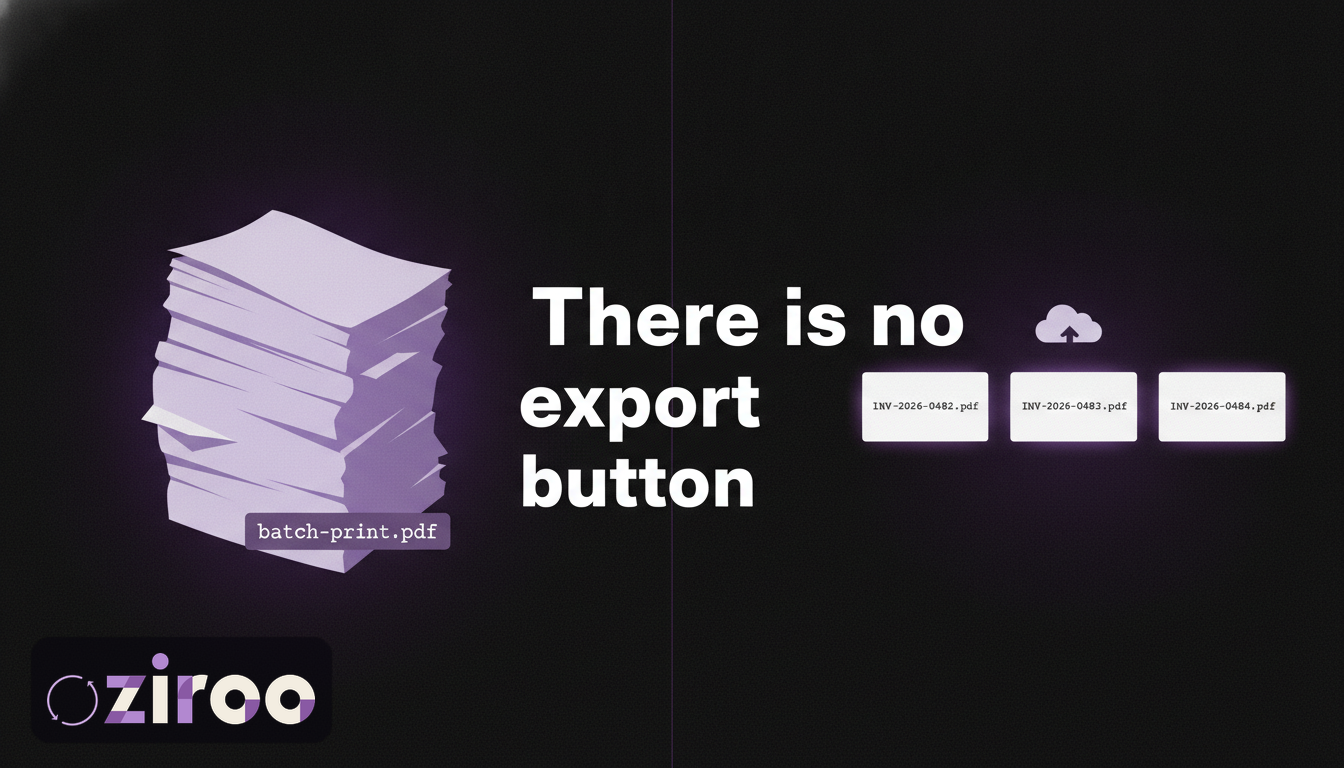
Your accountant emails on a Tuesday afternoon: "Can you send through last quarter's invoices as PDFs?" Easy enough, you think. Then you open Xero and go looking for the export button.
There isn't one. No single button exports Xero invoices to PDF in bulk as separate files. What Xero gives you instead is four partial routes, each with a catch that nobody mentions until you've already burned an hour on it. This guide walks through all four: what each one produces, what it leaves out, and what to do when "export it once" turns out to mean "I need this every month."
The short answer
You can export Xero invoices to PDF four ways: save invoices one at a time from the invoice screen, batch print a selection into a single merged PDF, export invoice data (not the documents) as a CSV file, or pull individual PDFs through the Xero API with a developer's help. Xero has no built-in option that saves every invoice as its own PDF file, and no way to schedule an export to run automatically. If you want an ongoing PDF archive, you need either a script or a service that builds one for you.
Method 1: Save a single invoice as a PDF
The one everybody finds first.
- Go to your invoices list under the Business menu.
- Open the invoice you want.
- Use the print option and save it as a PDF (Xero's own help article covers the exact clicks, which shift slightly as Xero updates its invoicing screens).
For one or two invoices, this is fine. That's also its ceiling. Every PDF is a full round trip: find the invoice, open it, print it, name the file, pick a folder. At 30 invoices you'll feel it. At 300, it's an afternoon gone, and you'll be doing it again next quarter.
Method 2: Batch print multiple invoices (mind the merge)
Xero does let you print many invoices at once:
- From the invoices list, tick the invoices you want across the paid and unpaid tabs.
- Choose the print option.
- Xero generates a PDF containing every invoice you selected.
Read that last line again. One PDF. If you select 80 invoices, you get one 80-invoice document, not 80 files.
Sometimes that's exactly what you want: a paper print run, or a quick scroll-through before a meeting. But if your accountant, auditor, insurer, or lender wants individual invoice files (and they usually do), the merged PDF puts you back at square one. You'd have to split it apart by hand.
This gap has bothered Xero users long enough that there's a long-running feature request asking for separate files, and someone eventually built an open-source tool, xero-invoice-splitter, whose entire job is cutting Xero's merged export back into individual invoices. When people write software specifically to undo your export format, the export format is the problem.
Method 3: Export invoice data as a CSV
From your sales overview you can filter invoices by date and status, then download the lot as a CSV or spreadsheet.
What you get is invoice data: numbers, contacts, dates, amounts, statuses. Rows and columns. What you don't get is the invoice documents. No layout, no branding, no PDFs of what your customer was actually sent.
For analysis, the CSV is genuinely useful. It will tell you which customers paid late last year in about thirty seconds. But it's no help the day someone asks to see the invoices. Data and documents are different things, and the ATO, your auditor, and your insurer tend to want the documents.
Method 4: Pull PDFs through the Xero API
The technical route. Xero's Accounting API can return any invoice as a PDF, one API call per invoice, and the rate limits allow 60 calls a minute and 5,000 a day per organisation. A competent developer can script a full PDF export in a day or two.
Whether you should is a different question. That script needs a registered OAuth app, token refresh handling, retry logic for failed calls, somewhere to put the files, and someone to notice when it silently stops working. None of that is hard. All of it is infrastructure, and infrastructure wants maintenance.
If you have engineers on staff, this option is real. If you're a small business, writing code to keep copies of your own paperwork is a strange place to end up.
How the four methods compare
| Method | What you get | Separate files? | Repeatable? | Effort |
|---|---|---|---|---|
| Single invoice print | One PDF | Yes | Manual, every time | Fine for 2, brutal for 200 |
| Batch print | One merged PDF | No | Manual, every time | Low |
| CSV export | Data rows, no documents | No PDFs at all | Manual, every time | Low |
| Xero API | Individual PDFs | Yes | Scriptable | Developer required |
The real problem: an export is a snapshot
All four methods share the same weakness. They produce a snapshot, and the snapshot starts going stale the moment the download finishes. Tomorrow's invoices aren't in it. Neither are today's edits. So the job goes on the calendar: export again next month, and the month after, forever, done by whoever remembers.
And the moments you most need that archive are exactly the moments you can't create it. When Xero is down, you can't export. When a subscription lapses, same problem. And when a client offboards, their org disappears from your list, along with any chance of a late export.
Ziroo exists because of one of those moments. Xero went down one afternoon while customers stood at the counter, waiting on paperwork I couldn't reach. The archive I needed didn't exist, and there was no way to create it while the platform was offline.
The automatic version: a fresh archive every morning
Ziroo does the boring thing reliably. Every morning it delivers the invoices, quotes, and purchase orders created or updated in the last 24 hours as individual PDFs plus a CSV manifest, to your inbox and to cloud storage you own: Dropbox, Google Drive, or OneDrive.
The connection to Xero is read-only. The files land in your storage, under your account, so reading them requires no Xero seat and no Ziroo login. If you cancel, the archive stays yours. Plans start at AUD $15 a month, and pricing is public.
Ziroo is in early access right now. Add me to the waiting list and you'll get access as spots open.
A note for bookkeepers and accountants
Everything above gets worse with scale. Twelve client orgs means twelve export routines, or one script per practice that somebody has to own. The offboarding case stings the most: when a client leaves, your access to their Xero org usually leaves with them, and any question that surfaces later lands in an archive you no longer have.
A standing archive in your own storage survives disengagement. Ziroo's Archive plan covers 3 organisations and Vault covers 10, with the same morning delivery per org.
The button you're looking for doesn't exist
That's the honest summary. Xero will give you your invoices one at a time, merged into a single file, as a spreadsheet without the documents, or through an API most small businesses will never touch. What it won't do is keep a copy somewhere that belongs to you.
If quarterly export chores sound worse than a $15 subscription, add me to the waiting list. Tomorrow morning's paperwork could already be in your inbox.
Ziroo is an independent archive service and is not affiliated with, endorsed by, or sponsored by Xero Limited.
Frequently asked questions
Can I export all my Xero invoices as PDFs at once?
Only as a single merged PDF. Xero's batch print combines every selected invoice into one document. There is no built-in way to download invoices from Xero as separate PDF files in bulk; you'd need the Xero API or a third-party service to get one file per invoice.
Does Xero's CSV export include the invoice PDFs?
No. The CSV export contains invoice data only: numbers, dates, contacts, amounts, and statuses. The invoice documents themselves are not included and must be saved separately as PDFs.
How long do I need to keep invoices in Australia?
The ATO's general rule is at least five years, counted from when you prepared or obtained the record, or completed the transaction it relates to, whichever is later. Records must stay accessible and readable for that whole period, which is worth remembering if they only exist inside a subscription you might one day cancel.
Can Xero back up my invoices automatically?
Not on its own. Xero has no scheduled PDF export. Your options are a custom script against the Xero API or a service like Ziroo, which delivers your invoices, quotes, and purchase orders as PDFs to your inbox and your own cloud storage every morning.
Prefer an automatic daily archive?
Ziroo delivers invoices, quotes, and purchase orders as PDFs plus a CSV manifest to your inbox and cloud storage every morning.
Ziroo is an independent archive service and is not affiliated with, endorsed by, or sponsored by Xero Limited.