What happens to your invoices if you cancel Xero?
Cancelling a software subscription is usually a two-minute job. Cancelling the software that holds five years of your invoices deserves a slower hand, because the question that matters gets asked too late, usually about eleven months later, when someone needs a 2023 invoice and the login doesn't work anymore.
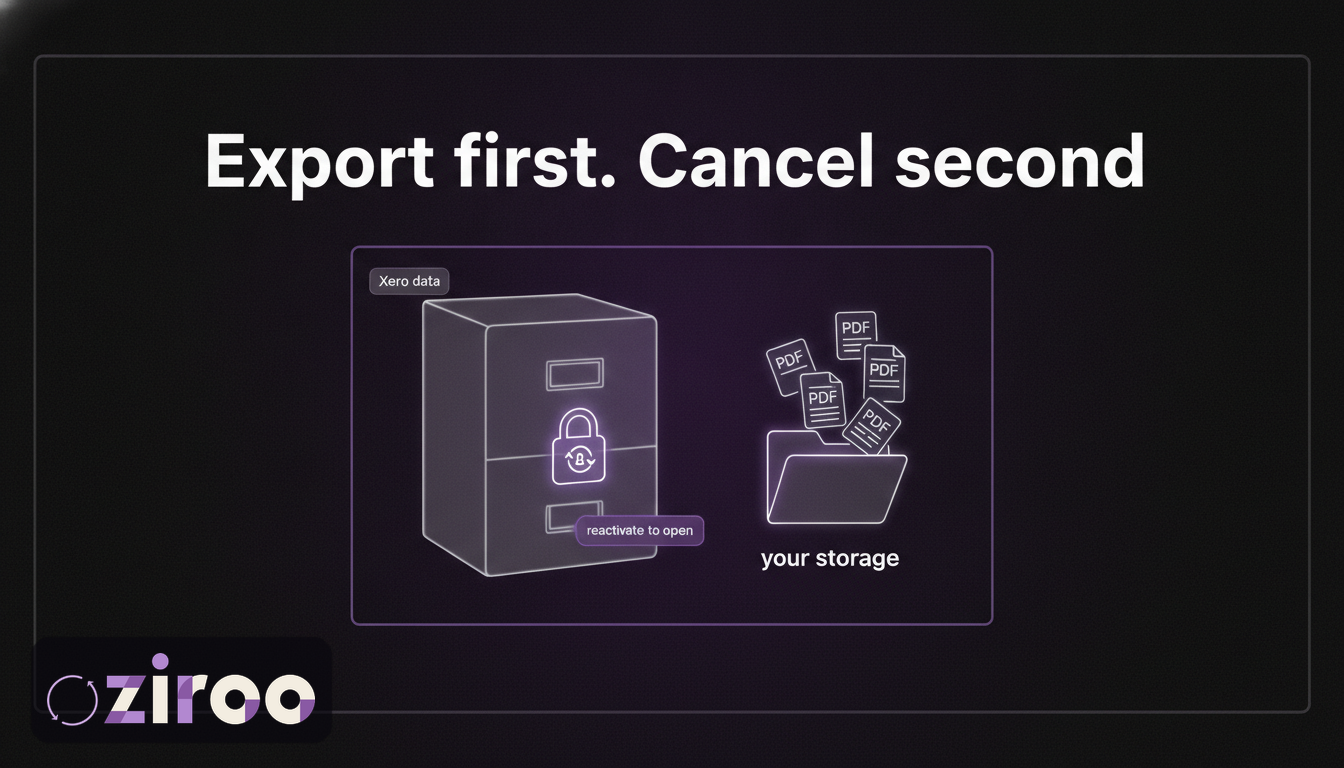
Here's what actually happens. When you cancel Xero, your data isn't deleted. It's archived, and section 52 of Xero's terms of use describes the arrangement plainly: the data "is no longer available to you." Xero's published FAQ adds the duration: the archive is kept for up to seven years, and while it's archived, nobody can access it. Not you, not your accountant, not Xero support on your behalf. The only key back in is reactivating the subscription, which means paying again.
None of that is hidden or unfair. It is, however, a detail that should reorganise your cancellation plans: the export comes first, the cancellation second, and never the other way around.
The mechanics, straight from the terms
Three sections govern the exit:
- Notice: you can cancel any time with one month's written notice, paying subscription fees up to and including the day of termination (section 49).
- Refunds: none. Section 51 is one sentence long and it means it.
- Your data: archived under section 52, held "for a period of time consistent with our data retention policy," reactivation available, complete deletion available on request.
Fair terms, honestly written. The contract holds no trap. The sequencing does: the export that should have happened in month one gets attempted in month fourteen, against an archive that no longer answers.
An archive you can't open isn't your archive
Sit with what "archived" means here. Your invoices continue to exist, encrypted and safe, on Xero's infrastructure. In every practical sense, though, they've left your possession. You can't search them, print one for a dispute, or show one to the ATO. Existence and access have come apart, and every obligation you carry depends on access.
Some businesses discover this and respond by simply never cancelling, keeping a subscription alive for years purely so old records stay reachable. That works, but do the maths on it: hundreds of dollars a year to preserve access to documents that would cost cents to store as PDFs in your own Google Drive. It's an expensive filing cabinet with a login page.
Your obligations don't cancel with the subscription
The ATO expects records kept for at least five years, accessible and readable throughout, and that expectation doesn't pause because you changed software or closed the business. Companies face longer horizons still: the Corporations Act requires financial records be kept for seven years.
Now connect that to what we covered in Xero's terms and your data: Xero's liability exclusions specifically include "legal, tax or accounting compliance issues." If a record you need sits in an archive you chose not to export before cancelling, that's not anyone's problem but yours. The compliance risk travels with you out the door; the data doesn't.
The pre-cancellation checklist
Run this while your subscription is still active. The one-month notice period is enough time if you start when you give notice, comfortable if you start before.
- Export the transaction data. CSVs of sales and purchases for every year you've been on Xero, not just the current one.
- Get the documents. Invoices, quotes, and purchase orders as PDFs. Every export route is documented here; at cancellation scale, expect the merged batch PDF or the API, because one-at-a-time won't survive five years of history.
- Export the reports. Profit and loss, balance sheet, and general ledger for each financial year. These are your point-in-time statements, and regenerating them later requires the subscription you're about to end.
- Rescue the attachments. Receipts and bills attached inside Xero are the easiest thing to forget and the hardest to bulk-export. Budget real time for this step.
- Verify before you terminate. Open a sample of files from your own storage on a machine that has never logged into Xero. If they read fine, your archive is real (the one-question test, applied at the exit).
- Then cancel, and keep the written confirmation with the archive.
Three exits, one rule
Switching software? Most migrations carry balances, contacts, and open invoices across. Full document history usually doesn't make the trip in the form an auditor wants. Archive first, migrate second.
Closing the business? Record-keeping obligations outlive the ABN. The archive you build in your last month of trading is the one that answers questions in year four.
Trimming costs? If the subscription's only remaining job is guarding old records, replace it with an export and your own storage. Same access, none of the monthly fee.
The rule in all three: your last month on Xero is the cheapest, calmest time you will ever have to secure your history. Every option gets worse after the archive door closes.
The version where cancellation is boring
Businesses running Ziroo arrive at cancellation day with the work already done: every invoice, quote, and purchase order already sitting in their own cloud storage as individual PDFs with CSV manifests, delivered morning by morning for as long as the connection ran. Exit checklist item two, already complete, going back years.
That's the position worth being in well before you ever think about leaving, because the moments that make people leave (cost pressure, a business sale, a wind-down) are rarely calm ones. Ziroo is in early access; add me to the waiting list and the archive starts building tomorrow.
Export first. Cancel second.
Four words that save a very specific future headache. The archive Xero keeps is real, but it's theirs to hold and yours only for a fee. The archive in your own storage is the one that answers the phone.
Add me to the waiting list and it builds itself from tomorrow morning.
References to Xero's terms of use are to the Australian edition, last updated 11 February 2025, viewed July 2026; the seven-year archive figure is from Xero's published FAQ, viewed July 2026. This article is general information, not legal, tax, or accounting advice. Ziroo is an independent archive service and is not affiliated with, endorsed by, or sponsored by Xero Limited.
Frequently asked questions
How long does Xero keep my data after I cancel?
Xero's published FAQ states archived subscription data is retained for up to seven years after cancellation, unless you request deletion. During that period the data cannot be accessed by anyone; regaining access requires reactivating the subscription and paying fees again.
Can I access my Xero data without an active subscription?
No. Once a subscription is terminated, section 52 of Xero's terms applies: the data is archived and no longer available to you. There is no read-only mode, no grace period of access, and no way for support to send you the data from the archive. Export everything you need before cancelling.
Do I get a refund when I cancel Xero?
No. Xero's terms require one month's written notice, with fees payable up to and including the day of termination, and state that no refund is due on cancellation. Time the notice against your billing date rather than expecting money back.
Do I still need to keep records after closing my business?
Yes. The ATO's five-year retention requirement continues after a business ceases trading, and companies must keep financial records for seven years under the Corporations Act. Export your records into storage you control before the subscription ends, because the obligation survives the software.
Prefer an automatic daily archive?
Ziroo delivers invoices, quotes, and purchase orders as PDFs plus a CSV manifest to your inbox and cloud storage every morning.
Ziroo is an independent archive service and is not affiliated with, endorsed by, or sponsored by Xero Limited.