How to back up Xero to Dropbox (3 ways)
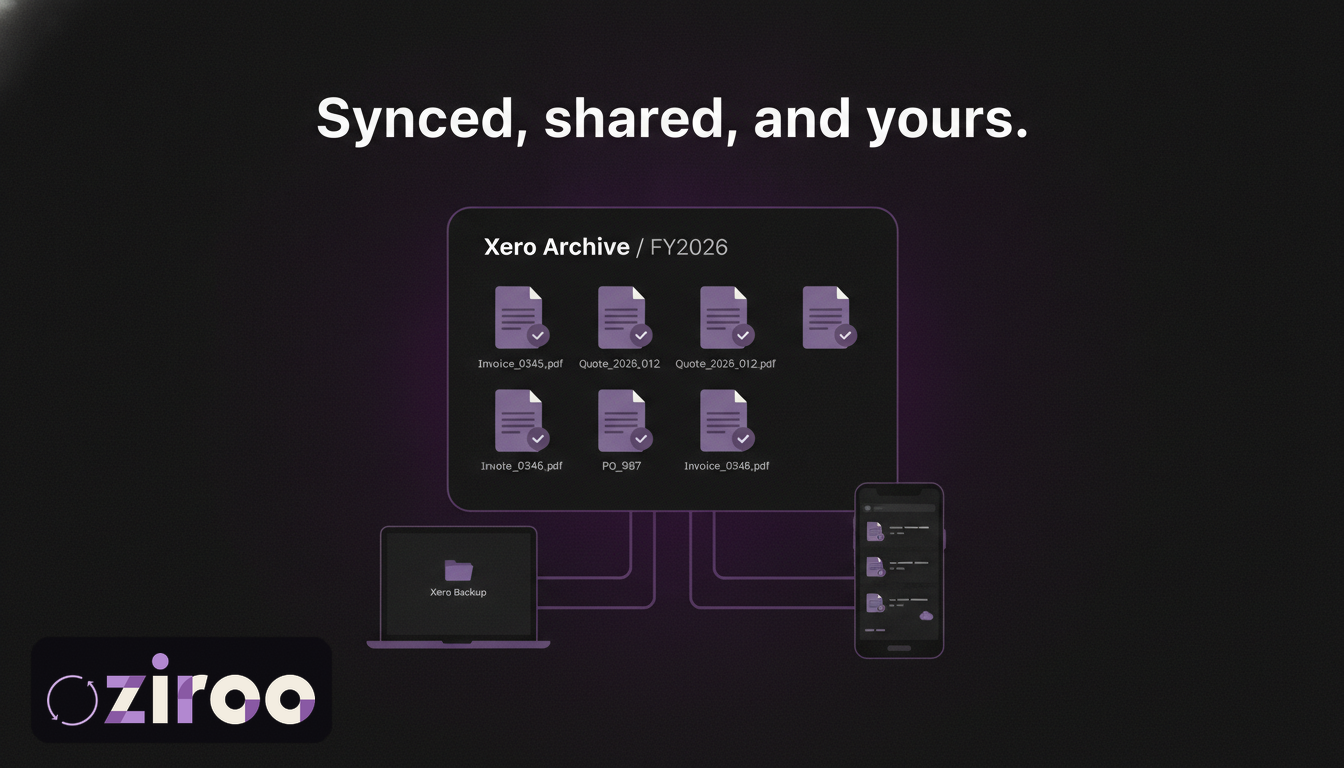
Half the bookkeeping world runs on Dropbox. If yours does, you've probably received the shared folder invitation ("FY2026 Records") along with a polite request to keep it current, and then discovered the awkward truth: Xero has no way to put anything in it. No Dropbox integration for backups, no scheduled export, nothing.
The folder is a good idea. Xero just won't fill it for you. Three routes will: exporting by hand, scripting against two APIs, or automatic daily delivery. Here's each one, plus the Dropbox-specific reasons this is a better backup home than most people realise.
What Dropbox brings to a Xero backup
Any storage you control beats none, but Dropbox has three properties that suit financial records particularly well:
Local sync gives you offline copies for free. Dropbox mirrors the archive onto every machine you link. When Xero is unreachable, or the whole internet is, yesterday's invoices are still sitting on your laptop as ordinary files. No other habit gets you outage-proof records this cheaply.
Version history protects the archive from you. Overwrite a file, delete a folder in a tidying frenzy, and Dropbox can wind it back. Your backup gets its own undo button, which is more than Xero offers.
Shared folders are the native language of bookkeepers. If your bookkeeper already works in Dropbox, your archive can live inside the workflow they use every day, current without anyone emailing anything.
And the compliance box: the ATO accepts digital records kept accessible and readable for at least five years. PDFs and CSVs in a Dropbox account you control qualify.
Method 1: Export from Xero and file it yourself
The free route: pull the CSV data from Xero's sales and purchases screens, save the invoice PDFs (individually, or split the merged batch file; every export route and its catches are here), export the standard reports, and file everything in Dropbox.
If you organise by financial year rather than calendar month, a structure like this maps cleanly onto BAS and tax time:
Xero Archive/
  FY2026/
    invoices/
    quotes/
    purchase-orders/
    reports/
    manifests/
One manifest CSV per quarter keeps the data findable without drowning the folder. (If month-based folders suit you better, steal the structure from our Google Drive guide instead; the method is identical, only the shelving differs.) Do a one-off backlog export for past years while you're at it, so the archive doesn't begin on the day you got organised.
The catch never changes: manual filing works exactly as long as a human keeps doing it, and the months that get missed are the busy ones, which are also the months with the most invoices in them.
Method 2: A script against the Xero and Dropbox APIs
The same build we covered in the complete Xero backup guide: the Xero API serves each invoice as a PDF within its rate limits, the Dropbox API files them, and a scheduler runs it nightly. Dropbox's API is well documented and pleasant to work with; none of the effort is in the upload.
The effort is in ownership. OAuth apps, token refresh, retries, monitoring, and a person who notices when the nightly run stops running. Right for teams that already own infrastructure, wrong as a first DevOps project for a business that just wants its paperwork kept.
Method 3: Automatic daily delivery
Ziroo connects once to your Xero organisation (read-only) and once to your Dropbox, then delivers every morning: each invoice, quote, and purchase order created or updated in the last 24 hours as its own PDF, plus a CSV manifest, filed into your Dropbox. A copy also lands in your inbox, so the archive exists in two places you control before the workday starts.
Because Dropbox syncs locally, the Ziroo delivery compounds: cloud copy, inbox copy, and an on-disk copy on every linked machine, all in plain files that need no Xero seat and no Ziroo login to open. Cancel whenever; everything already delivered stays yours. Pricing starts at AUD $15 a month.
Ziroo is in early access. Add me to the waiting list and you'll get access as spots open.
What the archive feels like when you need it
A worked example, because backups are abstract until the day they aren't. A customer disputes a job from March 2023 and their lawyer wants the original invoice by tomorrow.
With the archive: open Dropbox, type the invoice number or "2023" into search, open the PDF, forward it. Ninety seconds, and it works even if Xero is down, even if your subscription lapsed last winter, even from your phone.
Without it: log into Xero and hope the login works, hope the subscription is current, navigate to the period, print the invoice to PDF, and notice that you're reconstructing your position from inside the tool while the clock runs. Both versions end with the same PDF. Only one of them was stressful.
Sizing and housekeeping
Two practical notes before you commit the archive to Dropbox:
Check the plan. Dropbox's free tier is 2GB, noticeably smaller than what Google or Microsoft give away. Invoice PDFs are small (a couple of hundred kilobytes), so a modest business fits years of records into 2GB, but if Dropbox is also holding your job photos and plans, the archive will be competing for space. Any paid tier makes the question disappear.
Keep the archive on a business-owned account. Same rule as everywhere: the folder belongs in the owner's account or the company's team space, not in a staff member's personal Dropbox. Add two-factor authentication and make sure the account email is one the business controls.
Sharing the archive with your bookkeeper
Share the top-level archive folder with your bookkeeper and the quarterly document chase disappears: everything they need is current and in one place they already work. Two etiquette rules keep it clean. Give them edit access only if they'll be filing things too; view access is enough for reference. And keep the folder in your Dropbox account, shared outward, so the archive's ownership follows the business rather than the engagement. Bookkeepers change; your records shouldn't notice.
The folder your bookkeeper sent you is half the system
The other half is the routine that fills it every day without anyone remembering. Build it by hand, build it in code, or let it arrive each morning on its own.
Add me to the waiting list and the FY2026 folder keeps itself current from tomorrow.
This article is general information, not legal, tax, or accounting advice. Ziroo is an independent archive service and is not affiliated with, endorsed by, or sponsored by Xero Limited or Dropbox.
Frequently asked questions
Does Xero back up to Dropbox automatically?
No. Xero has no native Dropbox integration, backup feature, or scheduled export. Automatic delivery to Dropbox requires either a custom script using the Xero and Dropbox APIs or a third-party service. Ziroo delivers invoices, quotes, and purchase orders to Dropbox daily as individual PDFs with a CSV manifest.
Is Dropbox acceptable for ATO record keeping?
Yes. The ATO accepts digital records provided they stay accessible and readable for the retention period, generally at least five years. PDFs and CSVs in a Dropbox account you control meet that standard, and Dropbox's local sync means copies also exist on your own machines. Secure the account with a strong password and two-factor authentication.
Can my bookkeeper access my Xero backups in Dropbox?
Yes, through a standard shared folder. Keep the archive in your own Dropbox account and share it outward with view access (or edit access if they file documents too). That way the records stay owned by the business even if you change bookkeepers.
Prefer an automatic daily archive?
Ziroo delivers invoices, quotes, and purchase orders as PDFs plus a CSV manifest to your inbox and cloud storage every morning.
Ziroo is an independent archive service and is not affiliated with, endorsed by, or sponsored by Xero Limited.